A standalone desktop level-authoring tool for TBD. You paint a world on a grid out of typed blocks, drop in events, and it exports the result as XML that imports straight into trainingGround — letting you design and iterate on game worlds without ever touching the engine.
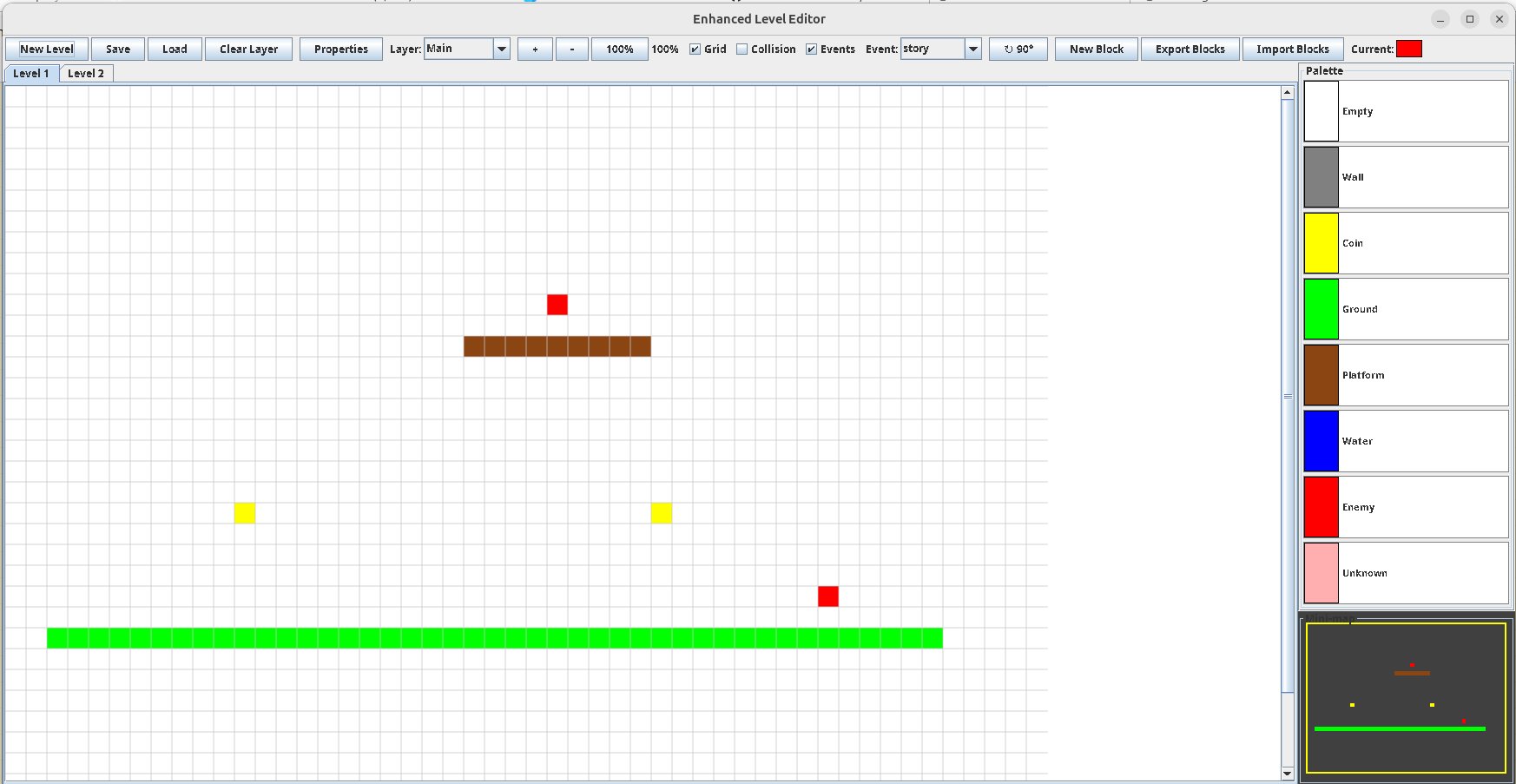
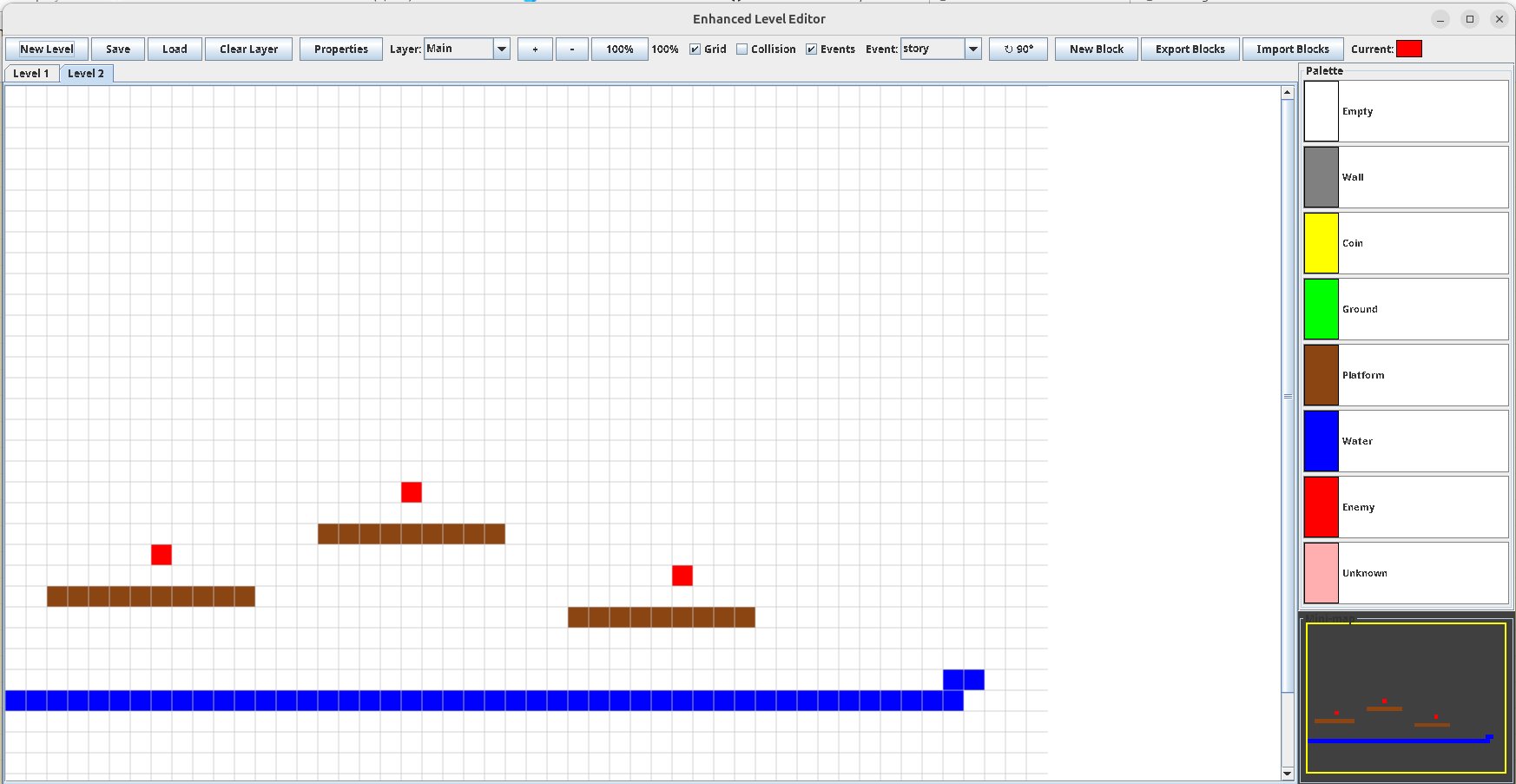
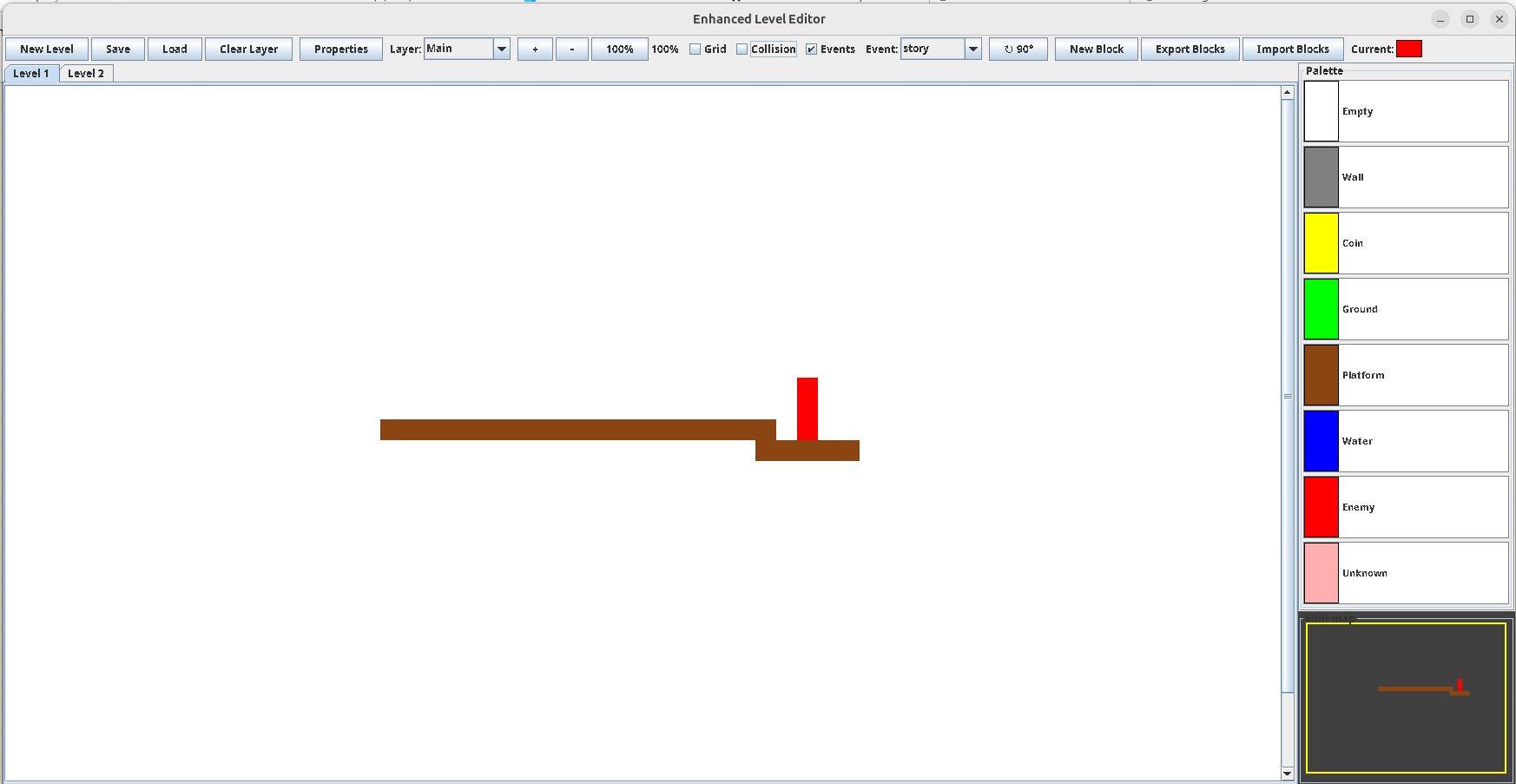
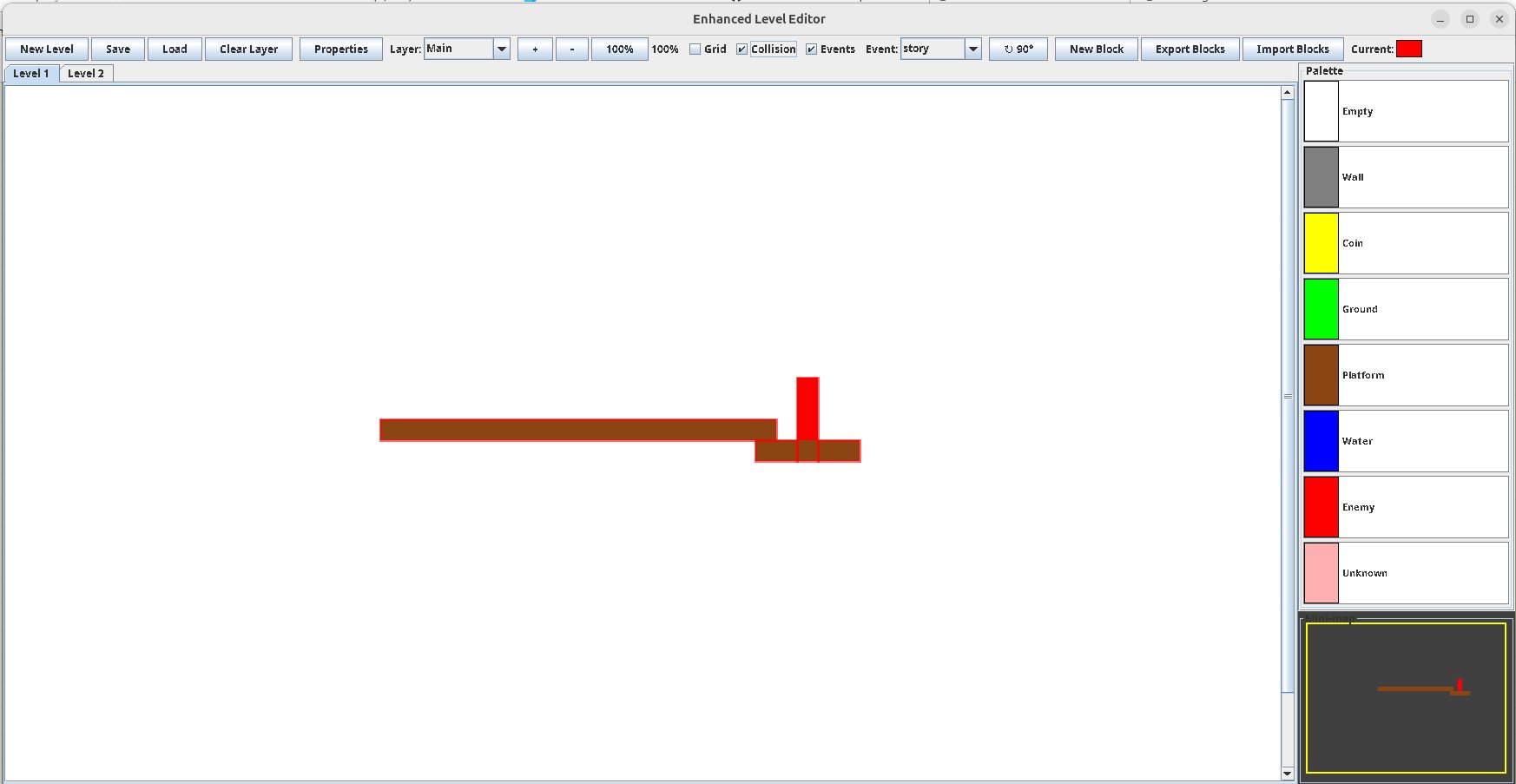
It's a Java Swing application that thinks in blocks. Every block is a type — a display name, an XML tag, a canonical color, an optional sprite, and a size. You register the types you need into a palette, then paint them across named layers. Behind the scenes the editor merges your painted cells into the smallest possible set of rectangles, so a hand-painted region exports as a handful of clean <object> entries instead of thousands of pixels. On top of the geometry you place events / nodes — named points with coordinates and custom attributes for triggers, spawns, and story beats.
- 01Define block types. Build your palette — give each block a display name, an XML name, a color, an optional sprite, and dimensions. Save reusable sets as templates (kept in the
templates/folder). - 02Paint. Pick a type and drag on the canvas. Work across layers (a default
Mainplus your own), use the minimap to navigate, and zoom as needed. Multiple levels live in tabs. - 03Place events. Drop named event nodes with x/y positions and add custom attributes — the hooks the engine reads at runtime.
- 04Export. Write the level to XML: a
<level>with name, description, width, and height, followed by one optimized<object>rectangle per painted region (xpos, ypos, width, height, plus your attributes) and an<event>for each node. - 05Import into trainingGround and play the level in the engine.
A Maven project with no external dependencies — all you need is a JDK (17+).
No Maven? Compile the single source file directly:
Or import the folder into Eclipse — the .project / .classpath are included — and run LevelEditorPaintTool as a Java Application.
the level is read twice — once going out, once coming home. build it so it survives the return.
a block is only a color until it remembers its name. the unnamed ones do not cross over.
paint cleanly: the rectangle the editor finds is the rectangle the engine trusts. ragged edges are misread as doors.
every layer is a different time. the Main layer is now; the others are when.
an event does not fire where you place it. it fires where the player believes they are.
leave one wall that is not a wall. a level with no way back is not a level — it is a trap.
the heart keeps the map. the editor only writes it down.